How to Check the Status of Your TDS Return Filing
Need to know how to check the status of your TDS return filing? Follow our expert guide from CA4Filings to verify your TDS filing progress with ease.
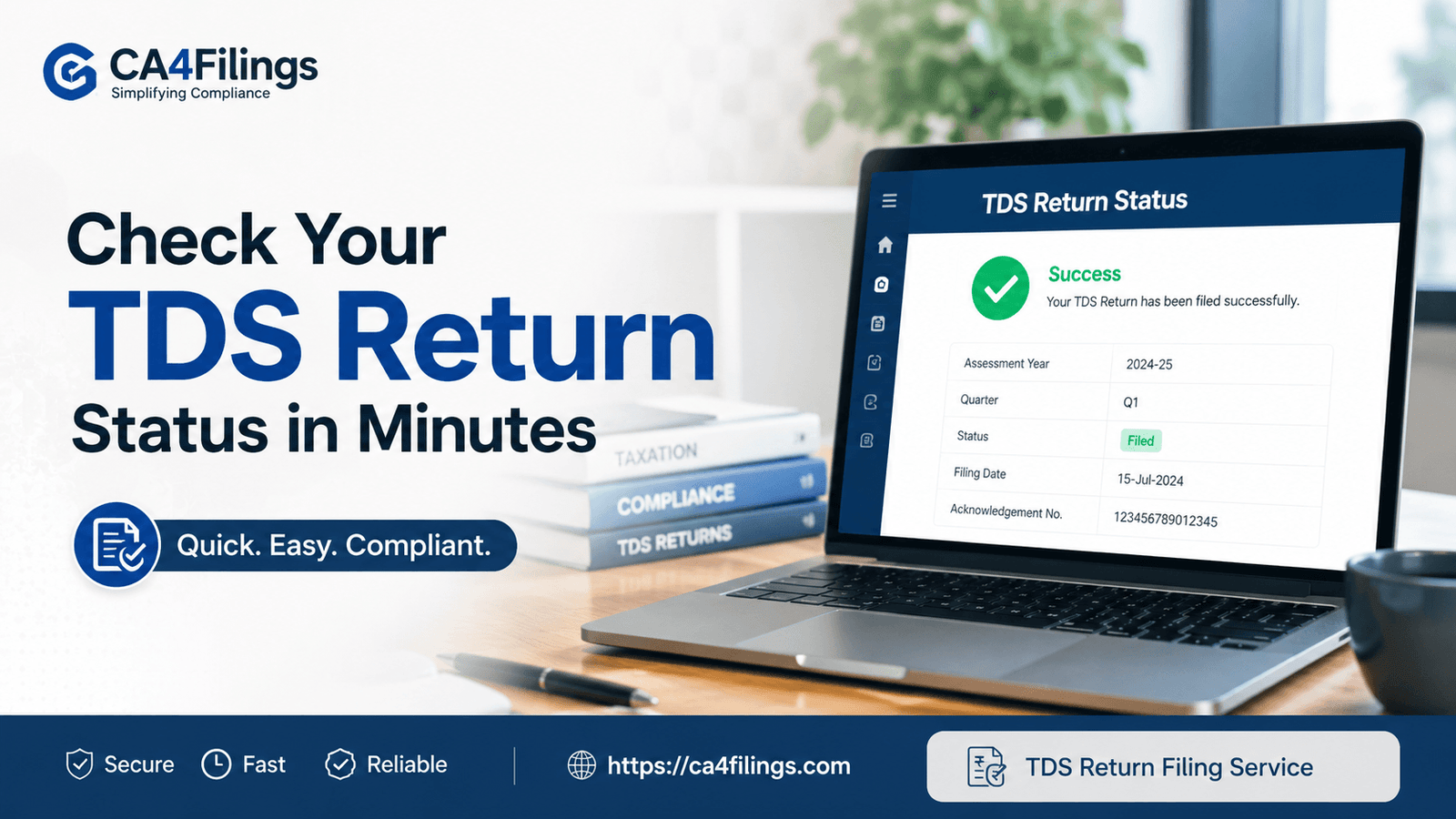
Managing tax compliances can feel like a daunting task for many business owners and professionals in India. Whether you are a small startup or an established firm, ensuring your TDS compliance is up to date is crucial to avoid hefty penalties and interest. At CA4Filings, we often receive queries from clients who have completed their TDS submission but are unsure if the process is fully closed in the eyes of the Income Tax Department. If you are struggling with this, our professional TDS Return Filing Service can help you streamline your compliance, but it is also essential that you understand how to check the status of your TDS return filing yourself.
Being aware of your tax filing status is not just a good practice; it is a critical component of maintaining a healthy financial record. In this article, we will break down the exact steps on how to check the status of your TDS return filing to ensure your peace of mind.
Why Tracking Your TDS Return Status Matters
TDS (Tax Deducted at Source) is a major revenue stream for the government, and the authorities have become increasingly strict regarding timelines. When you perform an online TDS return filing, the journey doesn't end at clicking the 'submit' button.
The Income Tax Department processes these returns, and there is often a period between submission and final acceptance. If there are errors in the data, mismatch in PAN details, or technical glitches, your return might be marked as 'Rejected' or 'Defective'. If you don't track the TDS return status regularly, these errors can lead to notices from the CPC (Centralized Processing Center). By actively monitoring the status, you can address issues before they snowball into larger problems.
Step-by-Step: How to Check the Status of Your TDS Return Filing
You don't need to be a tax expert to verify your filing. The TRACES (TDS Reconciliation Analysis and Correction Enabling System) portal is your primary destination for this information. Follow these steps carefully:
Step 1: Login to the TRACES Portal
Visit the official TRACES website. As a deductor, you need to log in using your User ID, Password, and the TAN (Tax Deduction and Collection Account Number).
Step 2: Navigate to the 'Statements/Payments' Tab
Once you have logged in successfully, look for the 'Statements/Payments' menu in the top navigation bar. Within this menu, you will find an option labeled 'Status of TDS/TCS Filing'.
Step 3: Enter the Necessary Details
To track TDS return status, you will need to provide specific information:
Financial Year: The period for which the return was filed.
Form Type: Whether it was Form 24Q, 26Q, 27Q, etc.
Quarter: The specific quarter for which the return was filed.
Token Number: This is the most crucial part. The Provisional Receipt Number (PRN) or token number is generated when you successfully upload your TDS return.
Step 4: View the Status
Once you click on 'View Status', the system will display the current standing of your return. It could show 'Submitted', 'Processed', 'Processed with Defaults', or 'Rejected'.
Understanding Common TDS Filing Statuses
When you learn how to check the status of your TDS return filing, you will likely encounter a few common statuses. Here is what they mean:
Submitted: This means your file has been uploaded but has not yet been picked up for processing by the CPC.
Processed: This is the green light. Your return has been verified, and no errors were found.
Processed with Defaults: This indicates that the system found discrepancies, such as a mismatch in PAN or incorrect tax payment challans. You will need to file a correction statement to resolve these.
Rejected: This usually happens due to technical errors in the file structure. You should consult a professional or check your TDS submission software settings.
How to Verify TDS Return Filing Through the Income Tax Portal
Apart from TRACES, you can also log in to the e-filing portal of the Income Tax Department. While TRACES is more detailed for deductors, the e-filing portal provides a broader view of your TDS filing progress.
Navigate to 'e-File' > 'Income Tax Forms' > 'View Filed Forms'. Here, you can verify if your returns have been recorded correctly. Regularly checking this helps in keeping your TDS compliance in check and ensures that your records align with the department’s database.
Frequently Asked Questions
1. How often should I check my TDS return status?
We recommend checking the status within 15–30 days after your online TDS return filing. If you receive an intimation notice, check it immediately.
2. What should I do if my TDS return status shows 'Rejected'?
Do not panic. A rejected return simply means there is a technical error. Review your input data, correct the file, and re-upload it. If you find it complex, reach out to our team at CA4Filings for assistance.
3. Is it mandatory to track TDS filing progress?
While not "mandatory" in a legal sense, it is essential for business health. Ignoring your TDS submission status can lead to non-compliance, interest charges, and potential legal notices.
4. Can I check the status without the Token Number?
It is very difficult to track the specific status without the token number. Always keep a copy of your acknowledgement receipt or token number safely after every filing.
Staying on top of your tax obligations is the hallmark of a responsible business owner. Knowing how to check the status of your TDS return filing is a simple yet powerful way to prevent future headaches and ensure your tax regulations are being met correctly.
At CA4Filings, we understand that you have a business to run, and the complexities of tax compliance can be overwhelming. If you need expert guidance, error-free filings, or assistance with your TDS return status, our team is just a call away. Don't wait for a notice—take control of your compliance today. Reach out to CA4Filings for expert support!
Latest Updates
ca4filings.com Services
















-registration.png)