Step-by-Step Guide to Registering Your NGO on Darpan
Looking to build credibility for your non-profit? Follow our comprehensive Step-by-Step Guide to Registering Your NGO on Darpan to get started today.
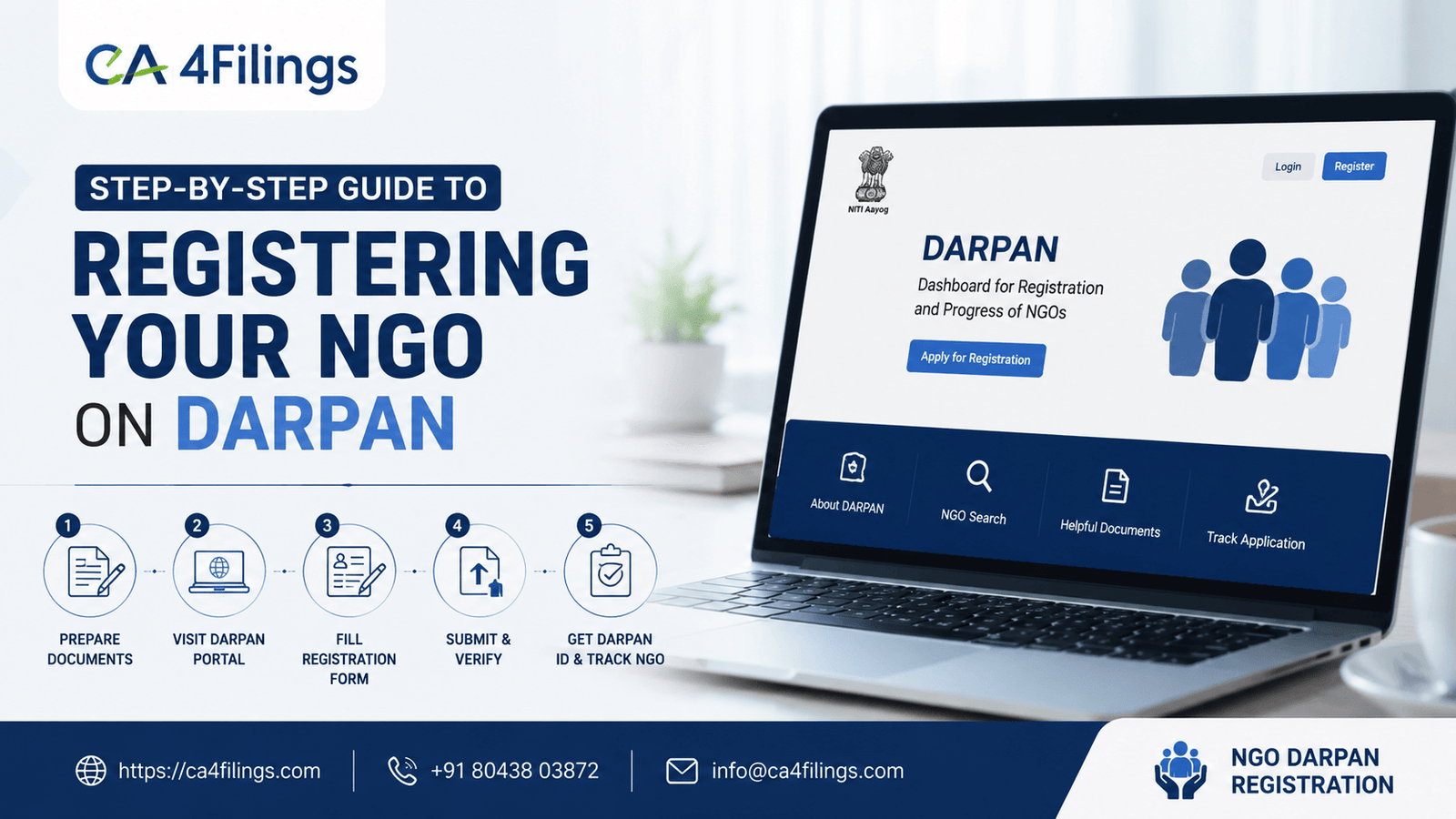
Starting a non-profit organization in India is a noble endeavor, but the regulatory landscape can feel overwhelming. Once you have your trust, society, or section 8 company registration in place, the next crucial milestone is getting listed on the NITI Aayog portal. If you are struggling with the documentation, our professional NGO Darpan Registration services can handle the complexities for you. Following this Step-by-Step Guide to Registering Your NGO on Darpan is essential for any organization looking to access government grants and establish institutional transparency.
In this article, we will break down the process into simple, actionable steps so you can complete your government registration without unnecessary hurdles.
Why is Darpan Registration Mandatory?
Many new founders ask us, "Why should I bother with another registration" The answer is simple: trust and access. The Darpan portal is the bridge between your organization and the government. When you complete your Step-by-Step Guide to Registering Your NGO on Darpan, you are essentially creating a digital footprint that verifies your existence to central and state departments.
Beyond grants, a verified Darpan account helps you:
Apply for funding under various schemes.
Enhance your credibility with potential corporate donors.
Get listed in the national database of NGOs.
Facilitate easier compliance during audits.
Essential Documents for Your NGO Application
Before you begin the Step-by-Step Guide to Registering Your NGO on Darpan, gather these documents. Having them ready will make the NGO process much smoother:
Unique NGO ID: Your organization's registration certificate (Trust Deed, Society Registration Certificate, or Section 8 Incorporation Certificate).
PAN Card: Official PAN card of the NGO.
Aadhar Card: Aadhar card of the authorized signatory (typically the Chairperson or Secretary).
Email and Mobile: An official email ID and mobile number dedicated to the organization.
Bank Details: Official bank account details of the NGO.
Details of Members: List of board members or executive committee members.
Step-by-Step Guide to Registering Your NGO on Darpan
Follow these steps carefully to ensure your NGO portal entry is error-free.
Step 1: Accessing the Portal
Visit the official NITI Aayog NGO portal. Look for the "Sign Up" button. You will be prompted to enter basic details such as the NGO name, contact person name, email, and mobile number. Once submitted, you will receive an OTP for verification.
Step 2: Creating Your Darpan Account
After verifying your OTP, you will receive your login credentials via email. Use these to log in. Upon your first login, the system will ask you to change your password. Keep this secure; you will need it for future updates.
Step 3: Entering Organization Details
This is the core of the Step-by-Step Guide to Registering Your NGO on Darpan. You will need to input:
Registration Details: Enter the Registration Number, Date of Registration, and the city/state where the NGO is registered.
Address Details: Ensure the address matches your registration certificate exactly.
Key Personnel: Add the names and contact details of your main office bearers.
Step 4: Providing Operational Data
The portal will ask for your area of operation, sectors of work (e.g., Education, Healthcare, Environment), and major activities. Be specific. Vague descriptions often lead to delays in your NGO application processing.
Step 5: Final Submission and Review
Before clicking 'Submit,' review every field. Ensure that the spelling of the NGO name and the registration number are identical to your legal documents. Once submitted, the system generates a Unique ID. Keep a record of this, as it is required for all future government interactions.
Expert Advice for a Smooth Approval
From our experience at CA4Filings, most rejections occur due to minor clerical errors or mismatched data. Here is our expert advice:
Consistency is Key: Ensure the name on your PAN card, bank account, and registration certificate is identical.
Regular Updates: If your board members change or you move your office, update your Darpan account immediately.
Follow NGO Guidelines: Always keep a digital copy of your annual reports and audited statements handy, as these are often requested during the verification stage.
Frequently Asked Questions (FAQs)
Is Darpan registration free?
Yes, the government does not charge any fee for the initial portal registration. However, ensuring accuracy is vital to avoid future compliance issues.
How long does it take for the account to be verified?
Typically, it takes a few working days, provided the information submitted is complete and matches the uploaded documentation.
Can I edit my details after registration?
Yes, you can log in to your Darpan account and update your profile whenever there are changes in your office bearers or operational activities.
Is this registration the same as 12A and 80G?
No. Darpan is a portal registration for visibility and government engagement. 12A and 80G are separate tax exemption registrations handled by the Income Tax Department.
Navigating the compliance requirements of the non-profit sector can be complex, but following this Step-by-Step Guide to Registering Your NGO on Darpan is the first step toward building a sustainable and credible organization. By maintaining your Darpan account properly, you open doors to numerous opportunities for growth and social impact.
Need professional assistance with your NGO compliance? At CA4Filings, we specialize in guiding non-profits through every stage of their lifecycle. Whether you need help with registration, tax exemptions, or annual filings, our team is here to ensure your organization remains compliant and ready for success. Reach out to us today to streamline your operations!
Latest Updates
ca4filings.com Services






















-registration.png)