How to Resolve Common Issues in NGO Darpan Registration
Struggling with NITI Aayog portal errors? Learn How to Resolve Common Issues in NGO Darpan Registration with this expert guide from CA4Filings.
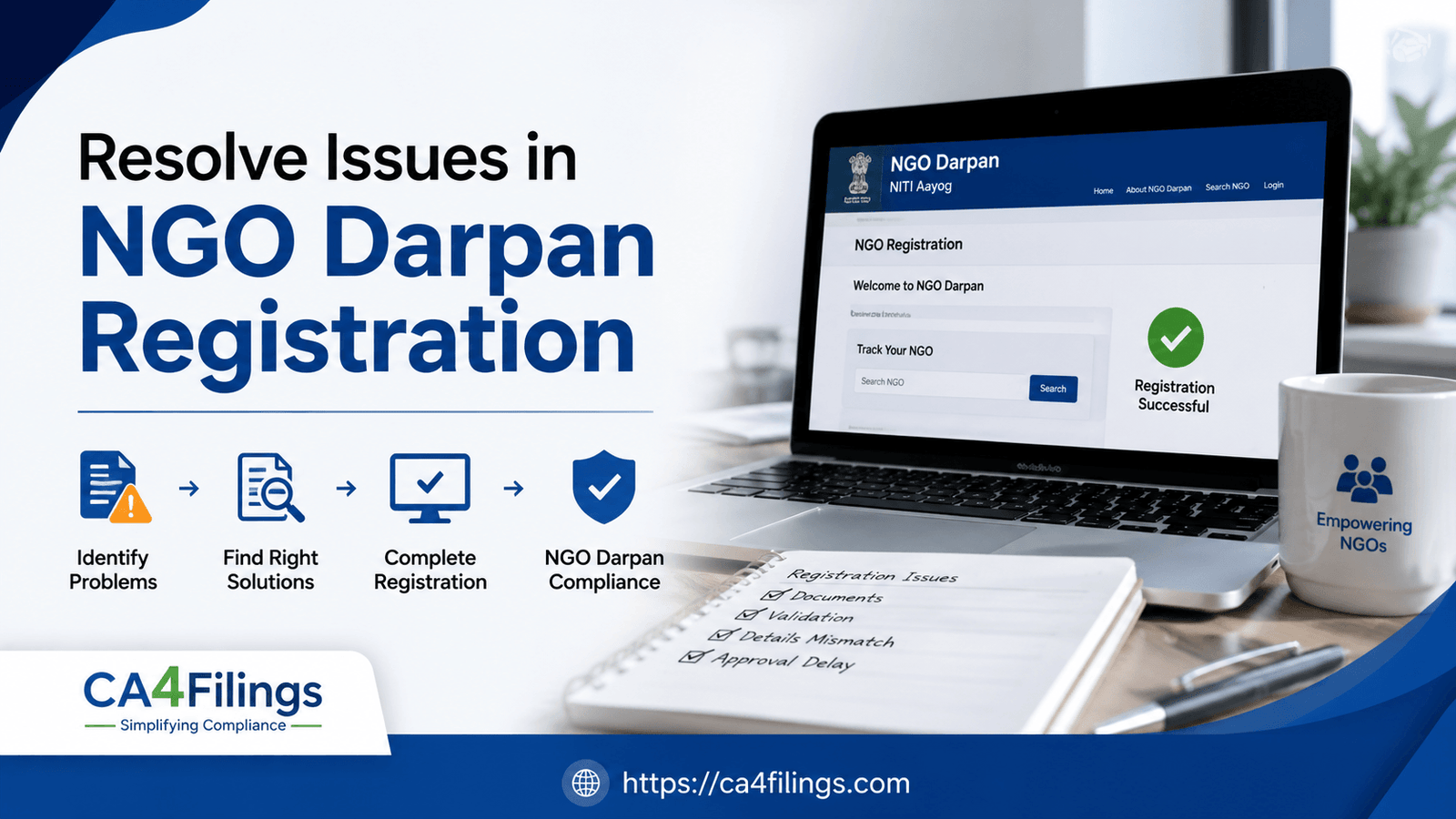
For many non-profits in India, navigating the compliance landscape can feel like a maze. Getting your NGO Darpan Registration is a mandatory step to ensure transparency and access government grants, yet many organizations hit roadblocks during the process. As professionals at CA4Filings, we frequently hear from NGOs stuck in limbo. Understanding How to Resolve Common Issues in NGO Darpan Registration is crucial because a simple technical glitch or document mismatch can delay your operations for weeks.
In this guide, we will break down the most frequent hurdles organizations face and provide clear, actionable steps to get your status verified without unnecessary stress.
Why NGO Darpan Registration Gets Rejected or Stuck
Before diving into the fixes, it is important to understand why the portal flags your application. Often, the NITI Aayog system is sensitive to inconsistencies between your internal documents and the data entered online.
The most common triggers include:
Mismatched Details: Discrepancies between the PAN card, Trust Deed/MoA, and the data entered on the portal.
Incomplete Documentation: Uploading blurry, unsigned, or outdated documents.
Technical Sync Errors: Issues with the OTP verification or browser cache while uploading large files.
Duplicate Registration: Attempting to register when a previous application already exists for the same entity.
How to Resolve Common Issues in NGO Darpan Registration: A Step-by-Step Approach
If you find yourself stuck, don't panic. Most issues are administrative and can be resolved by following these precise steps.
Handling Document Upload Failures
A very common problem is the "File Format/Size Error." The portal has strict requirements for file sizes and formats (usually PDF).
The Fix: Ensure all files are in PDF format and under the specified size limit (often 200KB to 1MB). If your file is too large, use a professional compression tool. More importantly, ensure the filename does not contain special characters (like #, @, or &), which the server often rejects.
Correcting Data Mismatches
If your application is sent back for "Clarification Required," it is usually because the name of the NGO or the address on the portal does not match the registration certificate exactly.
The Fix: Compare your Registration Certificate character-by-character with your entry. Even a missing "The" or a different abbreviation in your address can cause an automatic rejection. Update your profile precisely as it appears on your legal incorporation document.
Troubleshooting OTP and Login Issues
Many users complain that they don't receive the OTP on their registered mobile number or email.
The Fix: First, check your spam folder. If it's not there, verify if the number linked to your PAN card matches the one you are using. If you have changed your contact details, you may need to update them via the NITI Aayog helpdesk or ensure your PAN database is updated first.
Managing Complex Compliance Hurdles
Sometimes, the issue isn't a simple typo—it's a compliance conflict. For instance, if your NGO has changed its governing body or office address, the portal will reject the registration if the uploaded supporting documents (like a board resolution) are not current.
When to Seek Expert Intervention
If you have tried the steps above and are still stuck, the system might have placed your application under "Technical Review." At this stage, trying to re-submit multiple times can lead to your account being temporarily blocked. This is when the guidance of a Chartered Accountant becomes invaluable. We can help you draft the necessary response letters and coordinate with the support team to clear technical flags.
Frequently Asked Questions
1. How long does it take to resolve common issues in NGO Darpan registration?
If the error is minor, such as a document correction, it usually takes 3 to 5 working days after the re-submission. Technical server-side issues may take longer, up to 10-15 days.
2. Can I edit my profile after registration is approved?
Yes, you can edit your profile. However, be cautious. Major changes, like a change in name or Trustees, may require you to submit supporting legal documentation again.
3. Does the Darpan ID expire?
Your Unique ID does not technically "expire," but it must remain updated. If your NGO’s details change (like the board members or address), you are legally obligated to update the portal to stay compliant.
4. What happens if I keep getting rejected?
Multiple rejections can sometimes lock your profile. If you have been rejected more than three times for the same reason, stop re-submitting and reach out to a professional to review your documents.
5. Is there a fee for Darpan registration?
No, the government portal is free. However, many NGOs hire professionals to manage the process to avoid the common errors that lead to long-term delays.
Secure Your NGO’s Future with CA4Filings
Compliance is not just about avoiding penalties; it is about building trust with your donors and the government. Learning How to Resolve Common Issues in NGO Darpan Registration is just the first step. If you want to ensure your NGO’s compliance is handled correctly the first time, our team at CA4Filings is here to help.
Latest Updates
ca4filings.com Services
















-registration.png)