How to Correct Errors in DIR-3 KYC Submissions
Learn How to Correct Errors in DIR-3 KYC Submissions accurately. Discover the step-by-step MCA process, fees, and expert tips from CA4Filings.
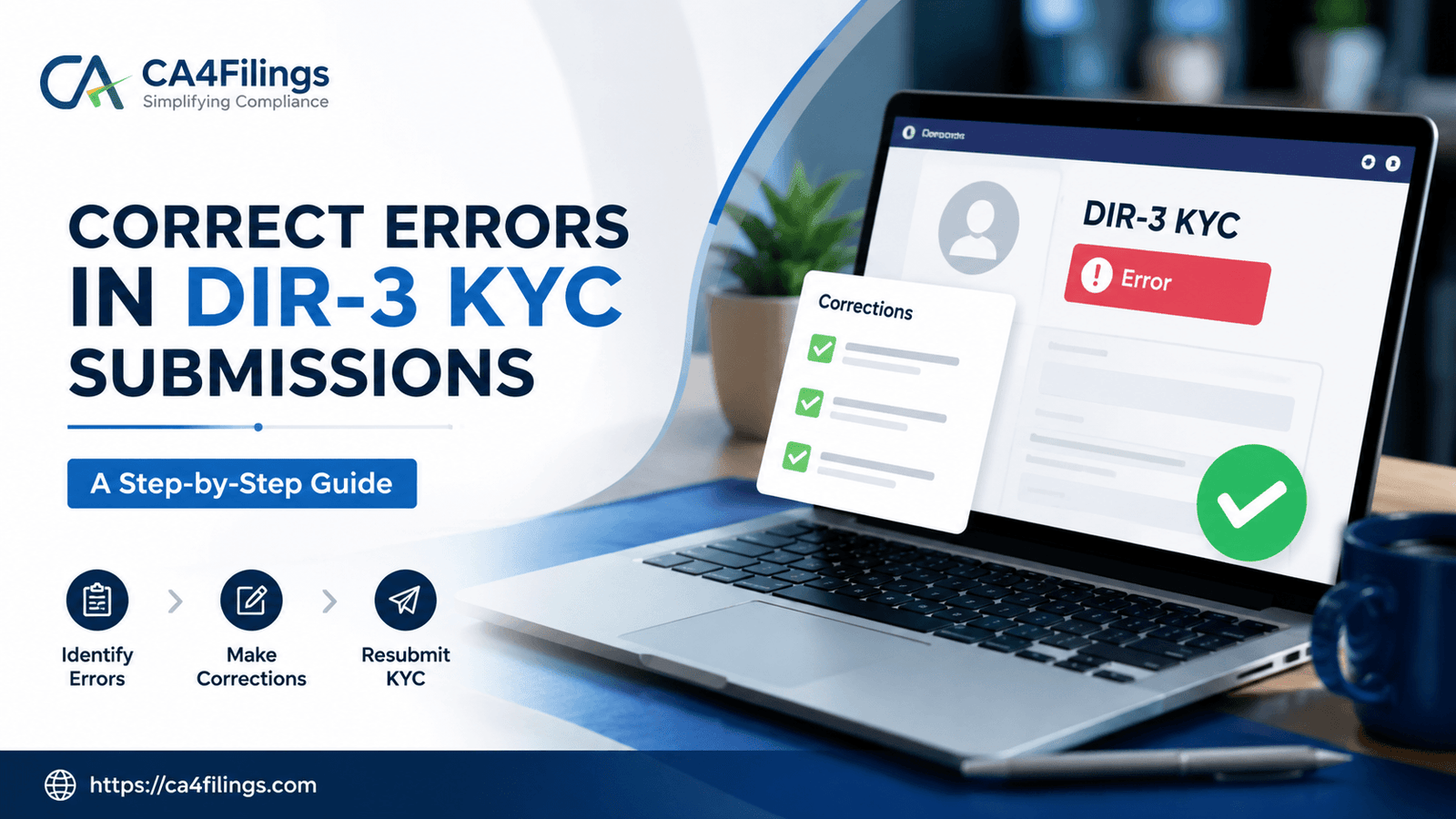
As a corporate director in India, you are probably already familiar with the annual ritual of updating your credentials with the Ministry of Corporate Affairs (MCA). Every year, anyone holding a valid Director Identification Number (DIN) must complete their annual compliance check to keep their legal status active. However, even with the best intentions, mistakes happen. Whether it is a tiny typo in your middle name, an outdated residential address, or an incorrect mobile number, encountering errors in DIR-3 KYC is a surprisingly common headache for many business owners. If you find yourself in this situation, do not panic. In this comprehensive expert guide, we will break down exactly How to Correct Errors in DIR-3 KYC Submissions without attracting massive penalties or legal notices.
At CA4Filings, we handle thousands of corporate filings every year, and we frequently see directors rushing through their submissions only to realize later that a small oversight has locked their DIN. Ensuring that your DIR-3 KYC compliance is flawless remains critical because the MCA cross-checks this database with your PAN, Aadhaar, and other statutory registrations. A single mismatch can halt your company’s board resolutions, bank operations, and annual financial filings. Let’s dive deep into how you can rectify these slip-ups smoothly and systematically.
Understanding the Root Causes of Errors in DIR-3 KYC
Before jumping straight into the solution for correcting errors in KYC form, it helps to understand why these mistakes occur in the first place. Under the strict MCA guidelines, the data you enter into your annual compliance form must perfectly match your primary government identity proofs. Most errors creep in due to the following reasons:
PAN-Aadhaar Name Mismatch: If your name is spelled differently on your PAN card compared to your Aadhaar card, the MCA portal will automatically throw a validation error during the digital signature verification.
Outdated Mobile Number or Email ID: The standard web-based update relies heavily on One-Time Passwords (OTPs). If you no longer have access to the registered mobile number, you cannot complete the instant verification.
Typographical Errors in Address Fields: Entering an incorrect PIN code or omitting a flat number during the director details update process can lead to long-term compliance challenges.
Mismatched Digital Signature Certificate (DSC): If the name on your DSC does not precisely match the name registered against your Director Identification Number, the form submission will fail or store faulty encrypted parameters.
Real-World Example: Last month, a client approached CA4Filings after their bank account was temporarily frozen. The director had updated their residential address in their personal documents but forgot to mirror that identical change during their annual verification. The automated systems flagged the discrepancy, marking the DIN as 'Deactivated due to non-filing of KYC'.
How to Correct Errors in DIR-3 KYC Submissions: The Step-by-Step Approach
If you have already uploaded a form and subsequently discovered an error, or if you are stuck mid-way because of a data mismatch, the path ahead depends entirely on whether your DIN is currently active or deactivated. Here is the definitive roadmap on how to correct KYC submission guidelines enforced by the MCA.
Step 1: File Form DIR-6 for Updating Director Details First
A very common misconception among business owners is that they can simply re-file a fresh form to overwrite the old mistakes. The MCA system does not allow this. If you need to fix core personal details—such as your legal name, father’s name, date of birth, or permanent residential address—you must first file Form DIR-6. This specific form is dedicated exclusively to the change or modification of particulars of a director.
When executing a director details update via Form DIR-6, you must attach attested supporting documents (such as an updated PAN card, passport, or utility bills) that prove the correct data. This form must be digitally signed by a practicing Chartered Accountant, Company Secretary, or Cost Accountant to ensure absolute accuracy.
Step 2: Obtain an Updated Digital Signature Certificate (DSC) if Needed
If the error in your original submission stemmed from a misspelled name, your existing DSC might contain the exact same mistake. In such a scenario, correcting errors in KYC form requires you to first procure a fresh Class-3 DSC reflecting your correct legal name as per your PAN card. Without an aligned DSC, the MCA portal will reject your rectifications.
Step 3: Proceed with Correcting DIR-3 KYC Errors on the MCA Portal
Once your Form DIR-6 is successfully processed and approved by the Central Registration Centre (CRC), the master data associated with your Director Identification Number will officially update. Now you can safely proceed with your annual compliance. The system offers two pathways based on your historical filings:
DIR-3 KYC Web Service: If you are simply confirming the data from the previous year with no structural modifications (and you have fixed your contact details), you can log in to the MCA v3 portal and utilize the web-based OTP verification.
DIR-3 KYC E-Form: If you are filing for the first time after a DIN activation, or if major changes were executed, you must download the detailed e-form PDF, fill in the updated parameters, attach your self-attested identity proofs, and upload it with the CA's digital stamp.
Important Professional Advice: Always ensure that the mobile number and email ID used during the verification belong directly to the director. Using generic agency contact info can block your access during emergency structural changes or future government audits.
Consequences of Not Correcting DIR-3 KYC Errors Promptly
Ignoring mistakes or leaving your DIN in a deactivated state carries harsh consequences under current corporate laws. The MCA guidelines are highly unforgiving regarding delays:
Hefty Late Fees: Failing to submit accurate data by the annual due date (typically 30th September of every financial year) results in a flat penalty of ₹5,000 to reactivate the DIN.
Deactivation of DIN: The MCA will flag your status as "DIN Deactivated," which legally bars you from signing any new corporate documents, appointing new directors, or registering a new company.
Disqualification Risks: Continuous non-compliance across multiple companies can trigger stricter scrutiny, potentially leading to long-term disqualification under Section 164(2) of the Companies Act, 2013.
Expert Tips from CA4Filings for Error-Free Submissions
To completely avoid the stressful cycle of correcting errors in DIR-3 KYC Submissions in the future, our expert team at CA4Filings recommends implementing these corporate best practices:
Double-Check PAN Database: Always check your exact spelling on the Income Tax e-filing portal before initiating any MCA update. The MCA server talks directly to the Income Tax server to validate your PAN in real-time.
Keep Scan Copies Ready and Legible: Ensure your passport, Aadhaar, and bank statements are scanned clearly in high resolution. Blurry attachments are a leading cause of form rejections by the MCA registrar.
Seek Professional Review: Corporate law compliances can look deceptively simple online, but a single misplaced digit can trigger systemic blocks. Engaging an experienced CA firm ensures your documents undergo rigorous pre-scrutiny checks before final submission.
Frequently Asked Questions (FAQs)
Q1: Can I file a second DIR-3 KYC form if I made a mistake in the first one?
No, the MCA portal does not permit multiple submissions for the same financial year once a form is successfully approved. To correct fundamental errors, you must file Form DIR-6 to change your master details first, followed by the appropriate remedial steps guided by a professional.
Q2: What is the government fee for correcting errors via Form DIR-6?
There is no government filing fee for Form DIR-6 if you are updating your director details within the prescribed timelines. However, if your DIN has already been deactivated due to missed deadlines, you will need to clear the statutory ₹5,000 reactivation fee.
Q3: How long does it take for the MCA to update director details after a correction?
Generally, once Form DIR-6 is uploaded with correct attachments and certified by a practicing professional, the MCA Central Registration Centre processes and updates the master data within 2 to 5 working days.
Q4: My mobile number changed; can I update it instantly through the web KYC?
Yes, if your name and address remain identical to the previous year, you can input your new mobile number directly into the DIR-3 KYC web service and verify it instantly via the fresh OTP sent by the portal.
Navigating corporate compliance in India demands absolute precision. While realizing you have made a mistake on a government portal can be stressful, knowing How to Correct Errors in DIR-3 KYC Submissions empowers you to take swift corrective action before penalties accumulate. By systematically updating your credentials through Form DIR-6 and ensuring perfect alignment between your PAN, Aadhaar, and Digital Signatures, you can keep your DIN active and your business running seamlessly.
Don't let compliance errors derail your focus from growing your business. Let the certified corporate experts handle the legal paperwork for you meticulously.
Latest Updates
ca4filings.com Services

















-registration.png)