Troubleshooting Common Issues During DIN Registration
Master MCA V3 filing with our guide on Troubleshooting Common Issues During DIN Registration. Learn practical solutions for DSC and mismatch errors.
Starting a business in India is an exhilarating journey, but it comes with its fair share of legal compliance. If you are planning to become a director in an Indian company, your very first step is securing a unique 8-digit identification code issued by the Ministry of Corporate Affairs (MCA). This code is your Director Identification Number, a lifetime identity marker required for any corporate compliance.
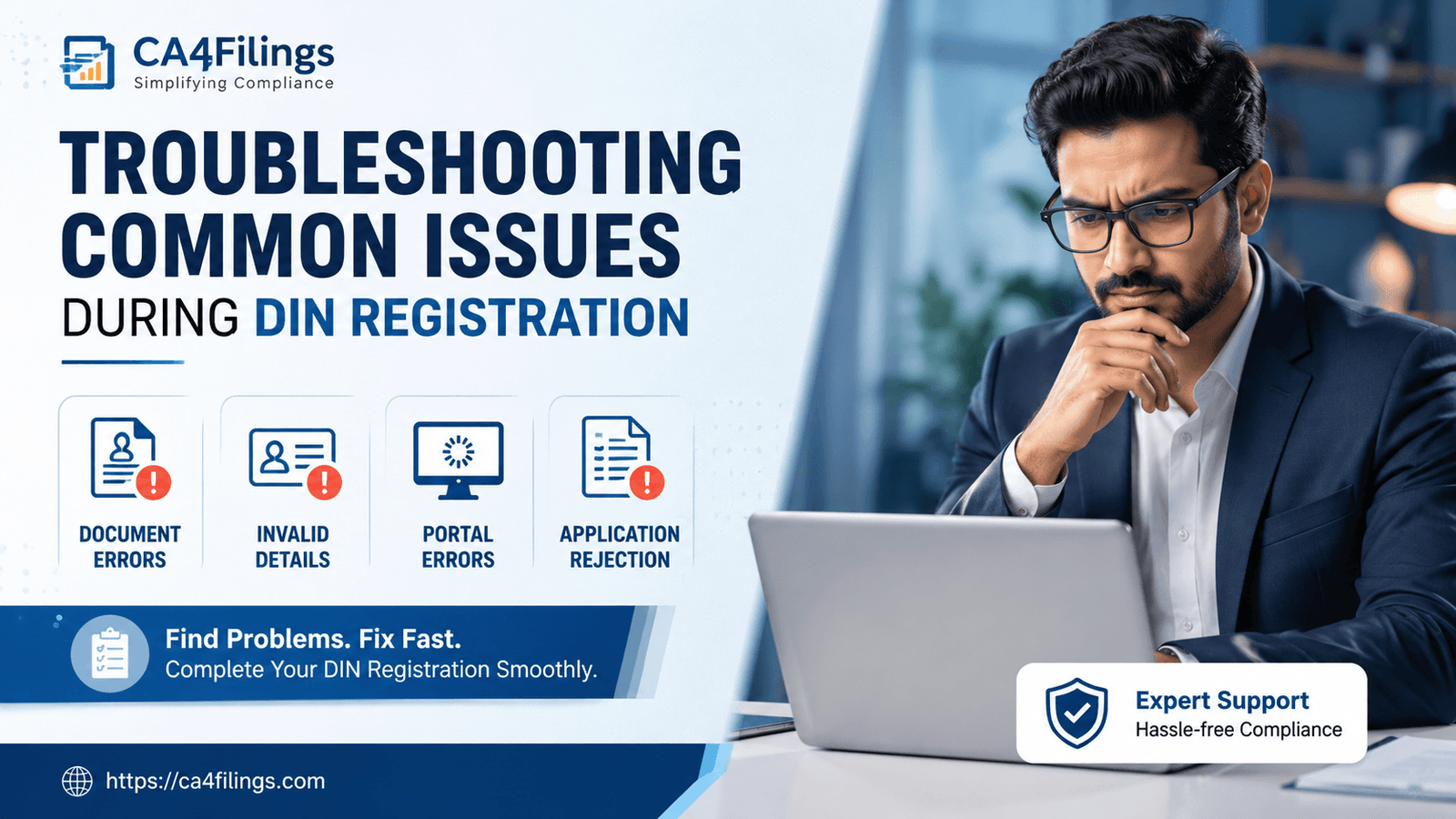
While the process is completely digitized, navigating the MCA V3 portal can sometimes feel like solving a complex puzzle. Many promoters encounter unexpected bottlenecks that halt their business launch. As experienced professionals, we frequently assist business owners in overcoming these technical and documentation hurdles. If you are currently facing errors on the portal, this comprehensive guide on Troubleshooting Common Issues During DIN Registration will provide you with the exact strategies needed to clear those roadblocks.
To make your corporate onboarding seamless, understanding the initial groundwork of DIN Registration is essential. While the primary application sounds straightforward, the integration of digital signatures, real-time database pan-matching, and stringent file formatting can quickly trigger automated rejections if not handled with precision. Let us dive deep into the specific roadblocks you might face and how to fix them efficiently.
The Evolution of DIN Registration: The MCA V3 Paradigm
The Ministry of Corporate Affairs upgraded its platform to the V3 portal to modernise corporate compliance. This transition replaced manual processing with automated, AI-driven validation checks. While this upgrade aims to speed up approvals, it also means the system has become completely uncompromising.
Under the current rules, minor errors that previously slipped through are now flagged instantly. For instance, the MCA recently restructured the DIR-3 KYC cycle into a triennial framework, adding tighter layers of identity verification. To protect your application from automated rejections, you must ensure your data is entirely accurate before hitting the submit button.
1. Resolving Digital Signature Certificate (DSC) and Portal Errors
A significant portion of compliance issues involves the Digital Signature Certificate (DSC). Because the DIN application relies heavily on digital signatures for identity verification, a minor mismatch in your token configuration can stall the entire process.
The "DSC Not Registered With User ID" Error
This is perhaps the most frequent error message flashing on the V3 portal. Applicants often find that even after purchasing a valid Class 3 DSC, the system refuses to recognize it during form submission.
The Cause: Your V3 login profile acts as a secure repository. If your DSC token is not explicitly mapped or associated with your specific MCA User ID, the portal cannot validate your signature.
The Solution: Log in to your MCA account, navigate to the profile upgrade section, and register your DSC. Ensure you are using the latest version of the MCA emSigner utility. Running the utility as an administrator on your operating system resolves most driver communication gaps.
Outdated or Missing Role Association
If you are applying for a DIN via the integrated SPICe+ incorporation form, the system cross-checks whether your user profile is registered as a "Business User" or a "Professional User". Trying to affix a signature from a basic "Registered User" account often triggers validation failures. Upgrading your account profile status on the portal before attempting to sign will resolve this.
2. Handling Name, DOB, and PAN Data Mismatches
The MCA system performs real-time data cross-checks against the Income Tax Department's PAN database. Any structural variation in your personal information will result in an immediate automated rejection.
Spelling and Initial Discrepancies
Indian naming conventions often involve structural variations across documents. If your PAN card uses your full name but your Aadhaar card uses initials (or vice versa), the system will fail the validation check.
The Blueprint: The name, date of birth, and father's name entered in your application must match your PAN card exactly.
Practical Solutions: If your identity documents do not match, do not try to alter the data in your application form to bypass the system. Instead, correct your primary data sources (like your PAN or Aadhaar card) first. Your digital identity must be entirely uniform before you begin.
3. Managing Document Formatting and Attestation Rejections
When it comes to corporate compliance, the quality and presentation of your documentation matter just as much as the factual information inside them.
The Utility Bill Trap: When submitting proof of residence, you must provide a recent utility bill (such as electricity, gas, or water) or a bank statement. If this document is older than two months, the system will reject it automatically.
Clarity and Framing: Scanning documents using low-resolution mobile applications often leads to blurry text or cut-off margins. Always use a high-quality flatbed scanner to ensure your documents are completely legible.
The Self-Attestation Rule: Every single copy of your identity and address proof must be clearly self-attested by the applicant. Missing this step is a very common cause of manual rejections by the reviewing officer.
4. Addressing Payment Timeouts and Missing SRN Issues
Even after successfully completing the form, technical payment glitches can occasionally interrupt the final steps of your application.
Handling Bank Session Timeouts
High traffic on the payment gateway can lead to session timeouts, causing funds to be deducted from your bank account without generating a Service Request Number (SRN).
Expert Advice: If your payment times out, avoid the temptation to make a second payment immediately. Wait for roughly 45 to 60 minutes and check your 'My Applications' dashboard. In most situations, the system reconciles the payment and updates the status automatically. If the form remains stuck in a "Pending Payment" state, clearing your browser's cache and cookies before retrying often resolves the issue.
Troubleshooting Common Issues During DIN Registration: Quick Checklist
| Potential Point of Failure | Root Technical Cause | Immediate Action Step |
|---|---|---|
| Portal Signature Rejection | Outdated emSigner or browser cache block | Update Java, clear cache, run emSigner as Admin. |
| PAN Validation Failure | Name/DOB mismatch against IT database | Verify exact characters on PAN card before filing. |
| Rejected Proof of Address | Document is older than 60 days or blurry | Obtain a fresh bank statement; scan at 200 DPI. |
| Missing SRN Generation | Payment gateway sync interruption | Wait 1 hour for system reconciliation before paying again. |
Frequently Asked Questions
Can I apply for more than one DIN if I am joining multiple companies?
No. A Director Identification Number is a unique lifetime identifier assigned to an individual. Holding more than one DIN is illegal under the Companies Act, 2013, and can attract significant financial penalties.
What should I do if my DIN status shows as "Deactivated"?
A DIN is usually deactivated due to non-compliance with the triennial DIR-3 KYC requirements. To reactivate it, you must file the necessary KYC form on the portal along with the standard late fee of ₹5,000.
Can a foreign national apply for an Indian DIN?
Yes. Foreign nationals can certainly obtain a DIN. However, their identity and address proofs must be apostilled or consularized by the Indian Embassy in their home country before submission.
Getting Expert Guidance for a Seamless Experience
While keeping these troubleshooting steps in mind will help you navigate the process, managing technical portal errors and strict documentation rules can still feel overwhelming when you are focused on launching a business.
At CA4Filings, we handle the complexities of corporate compliance so you don't have to. Our team of experienced Chartered Accountants manages the entire process for you—from coordinating your DSC setup to ensuring your documents are completely error-free before submission. Let us take care of the paperwork while you focus on building your enterprise. Reach out to our expert team today, and let's get your corporate journey started smoothly!
Latest Updates
ca4filings.com Services























-registration.png)