How to File TDS Returns for Multiple Deductees
Learn how to file TDS returns for multiple deductees online. This comprehensive guide by CA4Filings covers step-by-step instructions, tools, and compliance.
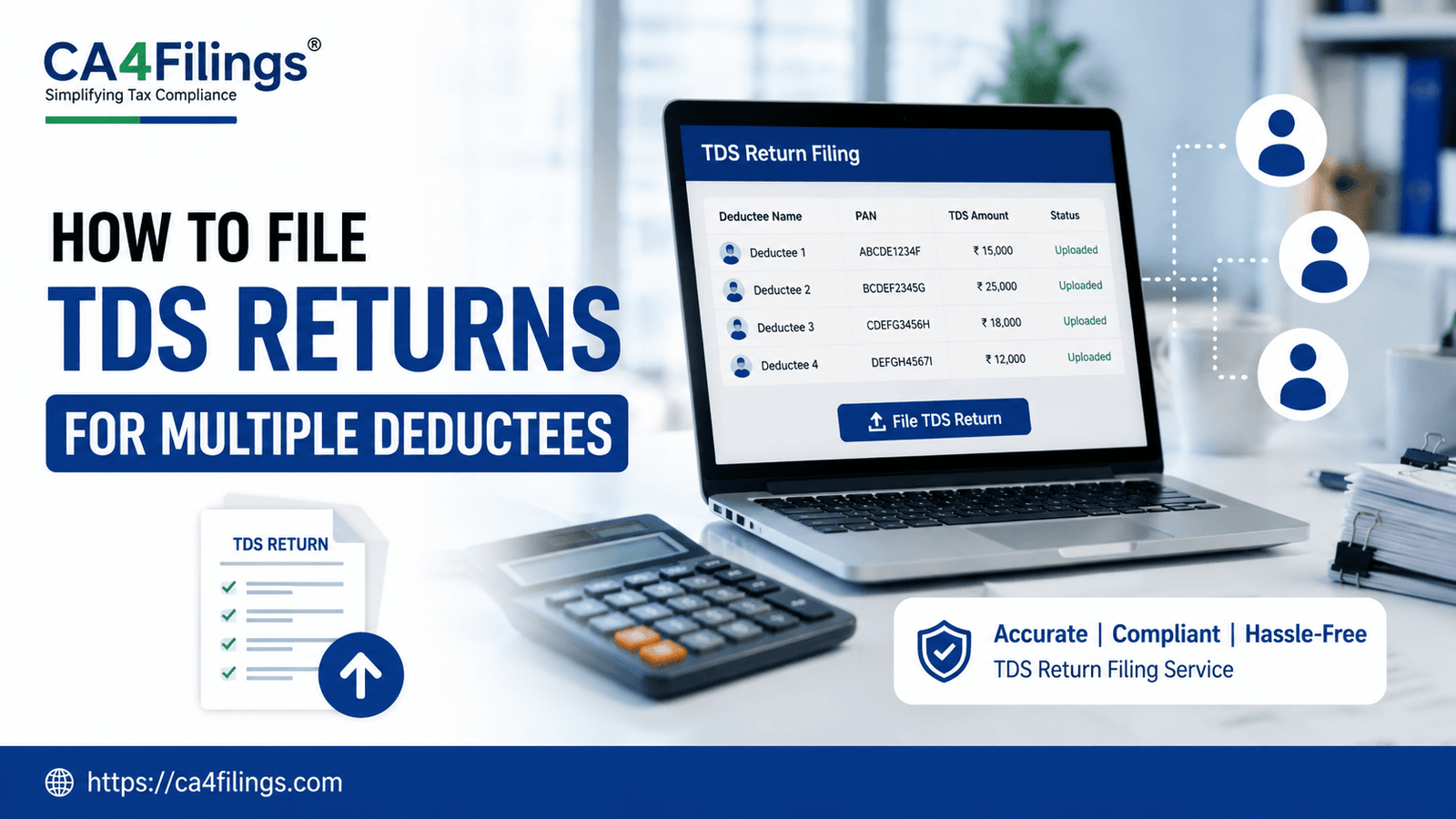
Running a growing business in India is an exciting journey, but it comes with its fair share of tax compliances. If you are managing a team of employees, working with various freelance professionals, or paying rent on your commercial office space, you are likely deducting Tax Deducted at Source (TDS) regularly. Deducting the tax is only half the battle won; the real task is reporting these deductions accurately to the Income Tax Department. If you are handling a long list of vendors or employees, figuring out how to file TDS returns for multiple deductees without errors can feel overwhelming.
At CA4Filings, we interact with hundreds of entrepreneurs who struggle with bulk data entry, PAN verifications, and generating the correct files for submission. Missing a single digit in a PAN or choosing the wrong section code can lead to annoying demand notices and expensive late fees. To help you streamline your quarterly compliance, we have put together this definitive guide on how to file TDS returns for multiple deductees smoothly, ensuring you stay aligned with the latest tax regulations. If you find the process too time-consuming or complex, you can always leverage our expert-led TDS Return Filing Service to handle the entire workflow seamlessly while you focus on scaling your business.
Understanding the Basics: Forms and Deadlines
Before diving into the actual filing process, let’s quickly break down the primary TDS return forms you will need to use depending on the nature of your payments:
Form 24Q: Used for filing TDS returns for salary payments made to employees.
Form 26Q: Used for non-salary payments made to resident Indian deductees (e.g., professional fees, contract payments, rent, interest).
Form 27Q: Used for TDS deductions made on payments to non-residents or foreign companies.
Due Dates for Quarterly Compliance
Timely filing is critical to avoid heavy penalties. The due dates for submitting your quarterly TDS returns are standardized across the financial year:
| Quarter | Period Covered | Due Date for Filing |
|---|---|---|
| Quarter 1 | April 1 to June 30 | July 31 |
| Quarter 2 | July 1 to September 30 | October 31 |
| Quarter 3 | October 1 to December 31 | January 31 |
| Quarter 4 | January 1 to March 31 | May 31 |
CA Insight: Delaying your return attracts a mandatory late fee of ₹200 per day under Section 234E of the Income Tax Act, capped at the total amount of TDS deducted. It is always wise to keep your data ready well before the deadline.
Prerequisites for Managing Multiple Deductees
When you are dealing with multiple deductees, preparation is your best friend. Trying to compile data at the last minute is a recipe for manual entry errors. Ensure you have the following checked off before generating your return:
1. Valid TAN (Tax Deduction and Collection Account Number)
Your business must possess a valid 10-digit alphanumeric TAN to deduct tax and file quarterly returns.
2. Verified PANs of All Deductees
This is where most businesses stumble. Ensure you have collected and verified the Permanent Account Number (PAN) of every single employee and vendor. If a deductee fails to provide a valid PAN, tax regulations dictate that you must deduct TDS at a higher rate (usually 20% under Section 206AA).
3. Consolidated Challan Details
Keep a record of all the TDS challenges paid into the government account via your net banking or the e-filing online portal. You will need the BSR Code of the bank branch, the date of deposit, the challan serial number, and the exact amount paid.
Step-by-Step Instructions: How to File TDS Returns for Multiple Deductees
When processing data for multiple deductees, doing it manually on the government website is practically impossible. Instead, the Income Tax Department provides utility software to build structural data files. Here is the exact roadmap to a successful, accurate submission.
Step 1: Download the Return Preparation Utility (RPU)
Visit the official Protean (formerly NSDL e-Gov) website or the Income Tax e-filing portal and download the latest version of the Return Preparation Utility (RPU) and the File Validation Utility (FVU). The government updates these utilities regularly to reflect amendments in tax regulations, so always use the freshest version.
Step 2: Input Deductor and Form Details
Open the RPU and select the correct form type (e.g., Form 26Q for vendor payments) and the relevant financial year and quarter. Fill in your business details as the deductor, including your TAN, PAN, company address, and the details of the responsible person (like the director or proprietor).
Step 3: Enter Challan Information
Navigate to the 'Challan' tab. Here, you will add a row for every single TDS challan paid during that quarter. Input the exact financial details, making sure the total amount matches your bank statements.
Step 4: Map Multiple Deductees to the Challans
This is the core phase of learning how to file TDS returns for multiple deductees. Click on the 'Deductee Details' tab. The RPU allows you to insert multiple rows under each specific challan.
Select the relevant challan number.
Enter the unique PAN of each deductee.
Input the payment date, the gross amount paid, the section under which it falls (e.g., 194C for contractors, 194J for professionals), and the exact tax deducted.
Repeat this for all your vendors or employees.
Step 5: Run the File Validation Utility (FVU)
Once your data entry is complete, click on 'Create File'. The RPU will prompt you to run the file through the File Validation Utility (FVU). You will need to upload a matching Consolidated Challan file (CSI file) downloaded from the income tax portal. The FVU checks your data for structural errors, incorrect formats, or mismatched calculations.
If there are errors, the utility will generate an error log. Fix those specific cells in your RPU and validate again until you receive a "File Validation Successful" message.
Step 6: Final Submission via the E-Filing Online Portal
Your successfully validated return will generate a .fvu extension file. Log into the official Income Tax online portal using your TAN credentials. Go to e-File > Income Tax Forms > File Income Tax Forms, select your TDS form, upload the .fvu file, and verify the submission using an Electronic Verification Code (EVC) or a Digital Signature Certificate (DSC).
Common Pitfalls to Avoid in Bulk Filings
Even experienced accounts teams can make mistakes when processing heavy data batches. Keep a sharp eye out for these frequent slip-ups:
Mismatched Challans: Ensuring that the amounts mapped to deductees match the exact value of the challan is vital. Over-mapping will cause validation failure.
Incorrect Section Codes: Applying Section 194C (1% or 2%) instead of Section 194J (10%) for a technical service can result in short-deduction defaults.
Typographical Errors in PANs: A single wrong alphabet or digit means the tax credit will not reflect in the deductee's Form 26AS/AIS, leading to vendor disputes.
Frequently Asked Questions
Q1. What happens if I input an incorrect PAN for a deductee?
If you submit a return with an incorrect PAN, the tax credit will not reach your vendor or employee. You will have to file a correction statement (TDS Correction Return) via the TRACES portal to rectify the PAN and re-submit the updated details.
Q2. Can I manually enter 50+ deductees on the e-filing portal directly?
No, the online portal does not support direct manual entry for multiple deductees in bulk. You must use the official NSDL/Protean RPU to prepare a structural .fvu data file offline and then upload it to the portal.
Q3. What is a CSI file, and why is it required?
A CSI (Challan Status Inquiry) file is a secure document downloaded from the income tax portal that contains verified records of all challans paid by your TAN. The validation utility uses it to cross-verify that the challan data entered in your return matches the government's banking records.
Q4. Is there a penalty for late filing if no tax is due?
Yes. The late filing fee of ₹200 per day applies from the day after the due date until the return is filed, regardless of whether all your taxes were deposited on time.
Let CA4Filings Take the Load Off Your Shoulders
Mastering how to file TDS returns for multiple deductees requires absolute precision, a clear understanding of shifting tax regulations, and patience with government utility tools. While doing it in-house is completely achievable with the right steps, data verification and error-fixing can quickly consume valuable productive hours that you could otherwise spend driving business growth.
At CA4Filings, we take corporate compliance seriously. Our dedicated team of chartered accountants handles your bulk vendor data, executes strict PAN validations, maps challans flawlessly, and delivers an accurate submission every single quarter. Let us handle the technicalities while you build your empire. Reach out to CA4Filings today to streamline your company's tax workflow!
Latest Updates
ca4filings.com Services



























-registration.png)