How to Correct Errors in TDS Returns: A Comprehensive Guide
Learn how to correct errors in TDS returns: a comprehensive guide by CA4Filings. Step-by-step instructions to rectify errors and avoid penalties.
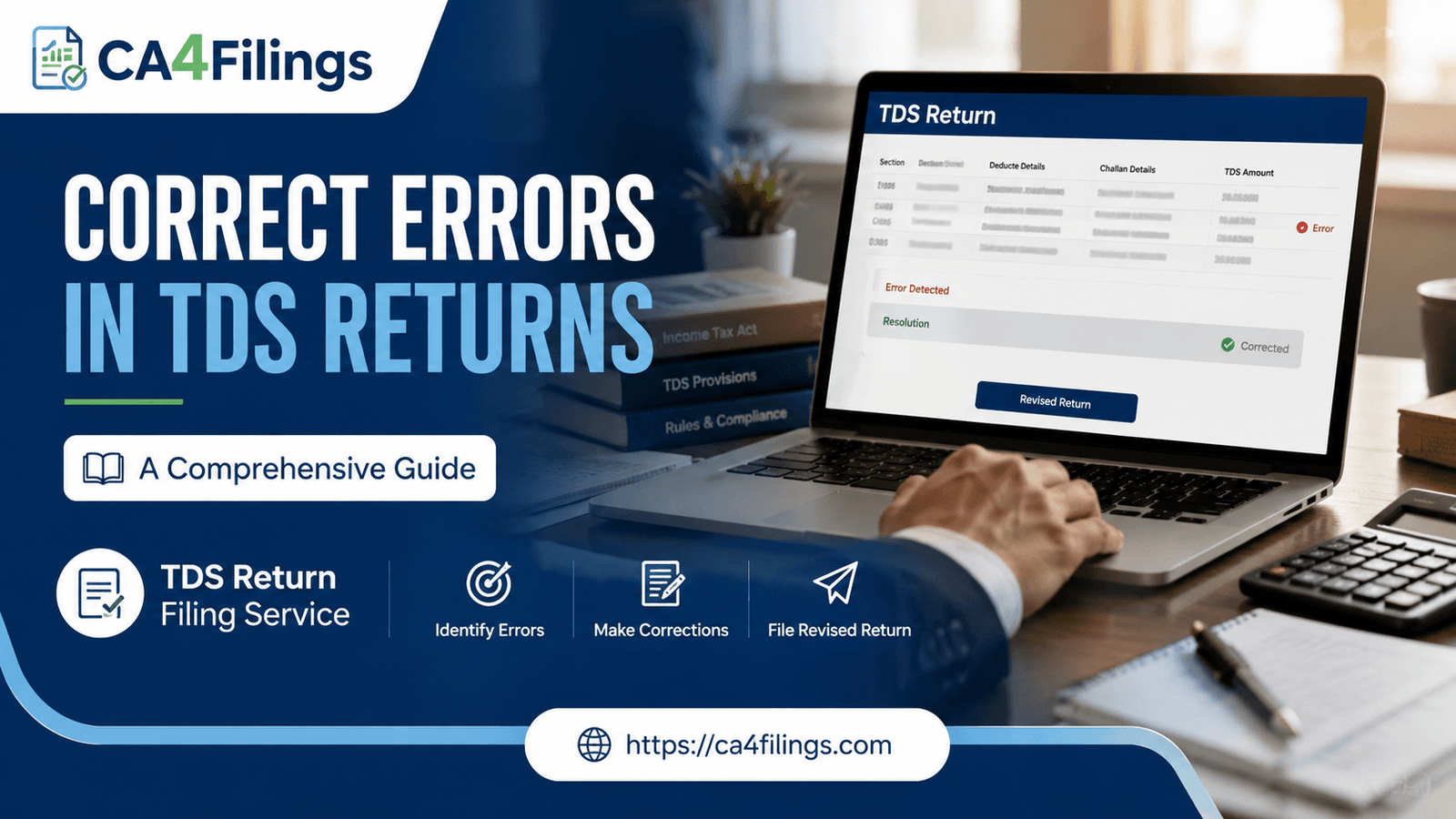
Filing Tax Deducted at Source (TDS) returns can feel like walking a tightrope. Even with the utmost care, a small typo—like a misplaced digit in a PAN or an incorrect chalana amount—can disrupt your compliance record. If you have just realized that your recent submission contains a mistake, don't panic. Discovering an error is incredibly common, and the Income Tax Department provides a structured mechanism to amend errors without facing heavy penalties.
At CA4Filings, we regularly assist businesses in navigating these compliance bumps. If managing monthly deductions and quarterly submissions feels overwhelming, you can always rely on our professional TDS Return Filing Service to ensure your initial submissions are flawless. However, if a mistake has already slipped through, this article on How to Correct Errors in TDS Returns: A Comprehensive Guide will provide you with the practical clarity and step-by-step instructions needed to rectify errors in TDS returns efficiently.
Common TDS Filing Errors That Require Correction
Before diving into how to rectify mistakes, let’s look at the common culprits behind a mismatched TDS return. Recognizing the exact nature of the mistake helps you choose the right correction category on the TRACES portal.
Incorrect PAN Details: Entering the wrong PAN for a deductee means the tax credit won't reflect in their Form 26AS. This often leads to vendor disputes.
Chalana Mismatches: Inputting an incorrect chalana serial number, BSR code, or deposit date prevents the system from matching your return with the tax actually paid.
Wrong Assessment Year: Selecting the wrong financial or assessment year during the filing process.
Incorrect Deductee Code or Amount: Marking a corporate deductee as a non-corporate entity, or entering a wrong threshold amount, which miscalculates the tax rate.
Types of TDS Corrections Available on TRACES
The Income Tax Department categorizes TDS corrections into specific "Correction Types." Understanding these is vital for anyone looking for error correction guidelines that work.
1. C1 Correction
This is used for changing deductee details. If you need to correct TDS mistakes related to a deductee’s PAN, name, or the section under which the tax was deducted, a C1 correction is your go-to route.
2. C2 Correction
This applies to chalana corrections. If you accidentally entered the wrong BSR code, chalana date, or serial number, the C2 correction allows you to update these fields to match the actual bank records.
3. C3 Correction
This is required if you need to add a brand-new deductee record that was completely missed in the original regular statement.
4. C9 Correction
This is a specific correction type used when you need to add a new chalana entirely to your existing return.
How to Correct Errors in TDS Returns: A Comprehensive Guide
Correcting a filed return involves downloading the consolidated file from the TRACES website, modifying it using a utility, and re-submitting it. Here are the step-by-step instructions to guide you through the process seamlessly.
Step 1: Register and Log In to the TRACES Portal
Go to the official TRACES (TDS Reconciliation Analysis and Correction Enabling System) website. Log in using your Admin User ID, Password, and the company’s TAN.
Step 2: Request the Conso (Consolidated) File
Navigate to the 'Statements/Payments' tab and click on 'Request for Conso File'. You will need to select the relevant Financial Year, Quarter, and Form Type (e.g., Form 24Q for salaries, Form 26Q for non-salaries). Fill in the token number of the original provisional receipt to validate the request.
Step 3: Download the Conso File
The system takes a few hours to process the request. Once the status changes to "Available," go to the 'Requested Downloads' section and download the consolidated file. It will download as a password-protected zip file (the password is usually your TAN in capital letters).
Step 4: Import into the RPU (Return Preparation Utility)
Download the latest Return Preparation Utility (RPU) and File Validation Utility (FVU) from the NSDL website. Open the RPU, select your form type, and choose the "Correction" option. Import your downloaded Conso file into the utility to view the data you originally filed.
Step 5: Amend Errors and Validate
Locate the rows containing the incorrect data. For example, if you need to correct a PAN, update the field in the deductee sheet. Once all changes are made, click on 'Save' and run the file through the File Validation Utility (FVU) to check for any structure errors.
Step 6: Submit the Correction Statement
Once the FVU validation is successful, a .fvu file will be generated. You can upload this corrected file directly on the Income Tax e-filing portal using your digital signature, or submit it physically at a registered TIN-FC (Tax Information Network Facilitation Centre).
Essential Tips to Avoid TDS Mistakes in the Future
While knowing how to correct errors is a lifesaver, avoiding them altogether saves your business significant time and administrative cost.
Verify PANs Early: Always check vendor PAN cards against the income tax database before making your first transaction.
Double-Check Bank Chalanas: Cross-verify the BSR code and chalana numbers directly from the bank's e-receipt before typing them into your software.
Reconcile with Books Monthly: Do not wait until the end of the quarter. Reconcile your ledger accounts with your tax payments at the end of every month.
Frequently Asked Questions (FAQs)
Q1. Is there a time limit to rectify errors in TDS returns?
No, there is no strict expiry date or deadline to file a correction statement. However, it is highly recommended to correct TDS mistakes as soon as you spot them or receive a default notice from the department to avoid accumulating interest or late fees.
Q2. Can I make multiple corrections in a single statement?
Yes, you can fix multiple issues—such as updating a chalana number and correcting three different PAN entries—within the same correction statement file, provided they belong to the same financial year and quarter.
Q3. What are the consequences of not correcting TDS filings errors?
If errors are left uncorrected, the deductee will not receive their rightful tax credit in their Form 26AS, leading to compliance issues for them. For the deductor, the Income Tax Department can issue a demand notice for short payment, late filing fees, or interest penalties.
Q4. Can I correct an error online without downloading a Conso file?
Yes, for minor rectifications like simple chalana corrections or minor PAN corrections, TRACES offers an "Online Correction" facility directly on their portal, eliminating the need to use the desktop RPU tool.
Let CA4Filings Take the Compliance Burden Off Your Shoulders
Correcting structural slips in your tax documents requires a meticulous eye and a good grasp of the digital infrastructure provided by the Income Tax Department. We hope this handbook on How to Correct Errors in TDS Returns: A Comprehensive Guide helps you identify your correction type, download your files safely, and clear up your compliance ledger.
If you find the technicalities of RPUs, FVUs, and Conso files too tedious to handle while running a business, let our team manage it for you. At CA4Filings, we specialize in managing corporate tax compliance cleanly and efficiently. Contact us today to rectify your past tax filings or to handle your future returns seamlessly.
Latest Updates
ca4filings.com Services

























-registration.png)