How to Correct Mistakes on Your TAN Card Application
Did you spot an error in your TAN details? Learn how to correct mistakes on your TAN card application quickly and easily with our expert guide.
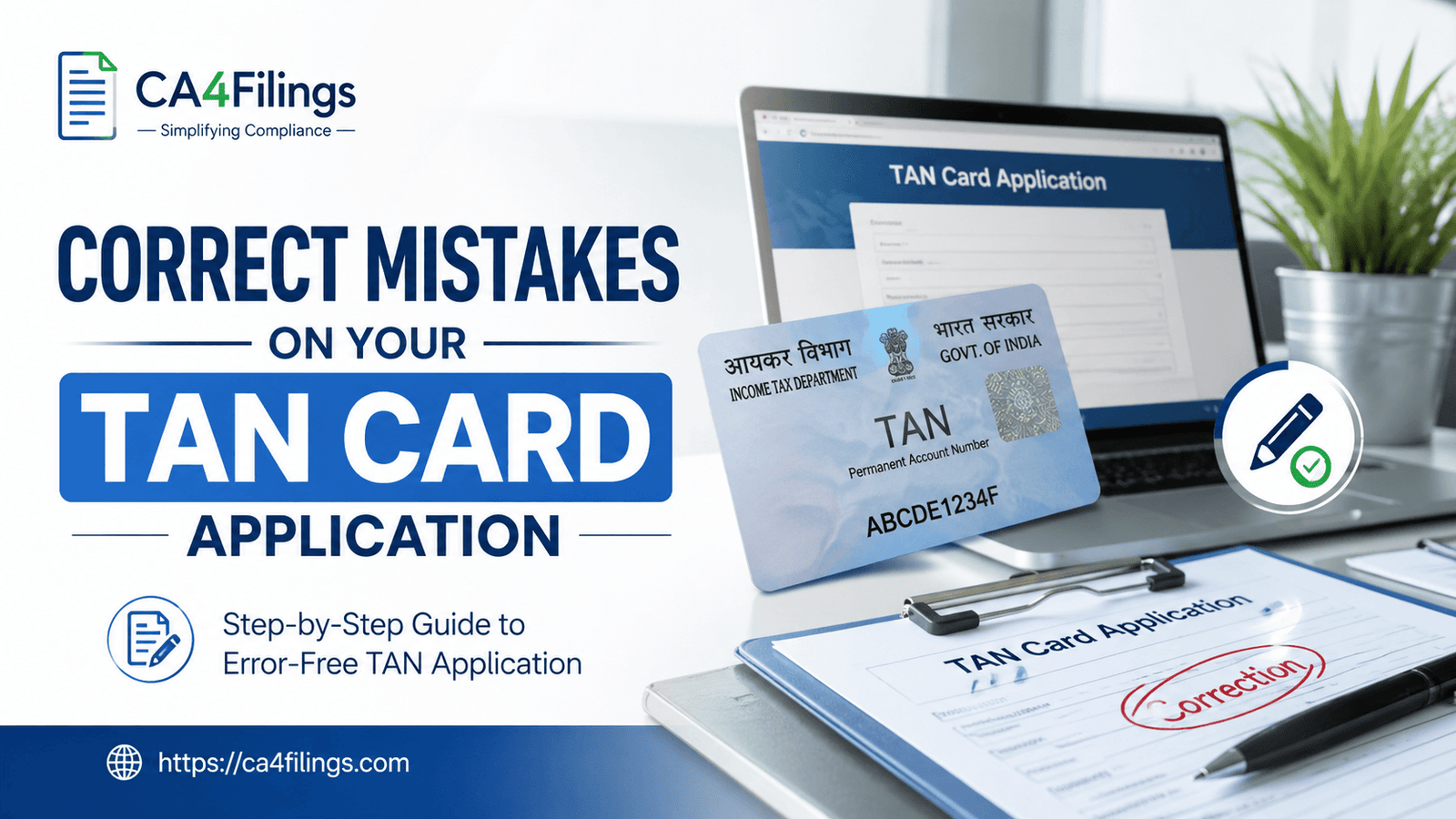
As a Chartered Accountant, I have seen many business owners panic when they realize they have made a clerical error on their Tax Deduction and Collection Account Number (TAN) application. Whether it is a typo in your company name or an incorrect contact detail, these small slip-ups can create significant compliance hurdles later on. If you have recently completed your Tan Card Registration, it is crucial to review your acknowledgment receipt immediately. If you identify a discrepancy, knowing how to correct mistakes on your TAN card application is the first step toward maintaining a clean tax record.
In the fast-paced world of Indian taxation, precision is everything. A single mismatch in your TAN details can lead to failed TDS filings, unnecessary notices from the Income Tax Department, and delays in processing your tax credits. At CA4Filings, we always tell our clients that rectifying an error early is far better than dealing with a show-cause notice a year down the line.
Why Do Mistakes Happen on TAN Applications?
Most applicants are in a hurry to get their tax compliance sorted. Common errors usually stem from simple human oversight, such as:
Typographical errors: Misspelling the legal entity name.
Contact information: Entering an incorrect email address or phone number, which prevents you from receiving vital communication from the NSDL/TIN portal.
Address discrepancies: Failing to match the address provided with the supporting legal documents (like the Certificate of Incorporation or Partnership Deed).
Jurisdiction errors: Selecting the wrong Assessing Officer (AO) code, which can complicate tax assessments later.
Regardless of why the error occurred, the good news is that the Income Tax Department has a well-defined process for rectifying these issues.
How to Correct Mistakes on Your TAN Card Application: Step-by-Step
If you need to know how to correct mistakes on your TAN card application, the process is largely online and straightforward, provided you have the correct documentation. Here is the process we recommend at CA4Filings.
Step 1: Visit the NSDL (Protean) Portal
The correction process for TAN is managed through the NSDL portal. Navigate to the "TAN" section and look for the option labeled "Correction in TAN Data."
Step 2: Fill Out Form 49B
You must use the same form used for the original application—Form 49B. However, ensure that you tick the checkbox indicating a "Correction or Change" in your existing TAN data. This is a critical step; if you forget to check this, the system may treat your application as a new request.
Step 3: Provide Your Existing TAN
You will be required to input your current 10-digit TAN. This allows the system to pull your existing records so you can highlight exactly what needs to be changed.
Step 4: Supporting Documentation
If you are changing the name of your entity, you will need to provide proof of the change (such as a fresh Certificate of Incorporation from the ROC). For address changes, keep your utility bills or lease agreements handy. You must upload these documents as part of the verification process.
Step 5: Payment and Submission
Once the form is filled, submit it online and pay the required processing fee. After payment, you will receive an acknowledgment number. Print this, sign it, and send the physical copy (along with the required documents) to the NSDL office if you are not using digital signature (DSC) authentication.
Pro-Tips for a Smooth Correction Process
From my experience at CA4Filings, here are a few expert tips to ensure your application sails through:
Use Digital Signatures (DSC): If your entity has a DSC, the entire process becomes paperless. This is significantly faster than the traditional post-based method.
Verify the AO Code: Before submitting, double-check your AO code on the Income Tax portal. Choosing the wrong jurisdiction is the number one cause of "rejected" correction applications.
Keep Records: Always save a copy of your initial application and the subsequent correction request. These are vital for your internal audit trails.
Common FAQs About TAN Corrections
Can I correct mistakes on my TAN card application online?
Yes, most of the process is digital. You can initiate the correction through the NSDL/Protean portal. However, depending on your authentication method, you may still need to mail the signed acknowledgment to the NSDL office.
How long does it take to process a TAN correction?
Usually, once the physical documents are received and verified by the NSDL, the corrected TAN information is updated in the Income Tax database within 15–20 working days.
Is there a penalty for making a mistake on the TAN application?
While there isn't a "penalty" for an honest mistake, failing to correct it can lead to complications with your TDS returns. If your name or PAN/TAN details do not match the database, your returns may be rejected, which could attract late fees or interest.
Do I need a CA to help me with this?
While you can do it yourself, having a CA handle the process ensures that all data matches your other tax filings perfectly, reducing the risk of further discrepancies.
Let CA4Filings Assist You
Navigating tax portals can be daunting, and we understand that business owners have more important things to focus on than tax administration. If you are struggling with how to correct mistakes on your TAN card application or simply want to ensure your tax compliance is 100% accurate, we are here to help.
At CA4Filings, we specialize in taking the stress out of tax registrations and corrections. Our team of experts ensures that your documentation is perfect the first time, saving you time and avoiding those frustrating administrative delays. Reach out to us today, and let us handle your tax compliance so you can focus on growing your business!
Latest Updates
ca4filings.com Services



























-registration.png)