How to File GST Returns After Registration
Learn how to file GST returns after registration step-by-step. Avoid penalties and master GSTR-1, GSTR-3B, and Nil filing with expert CA tips.
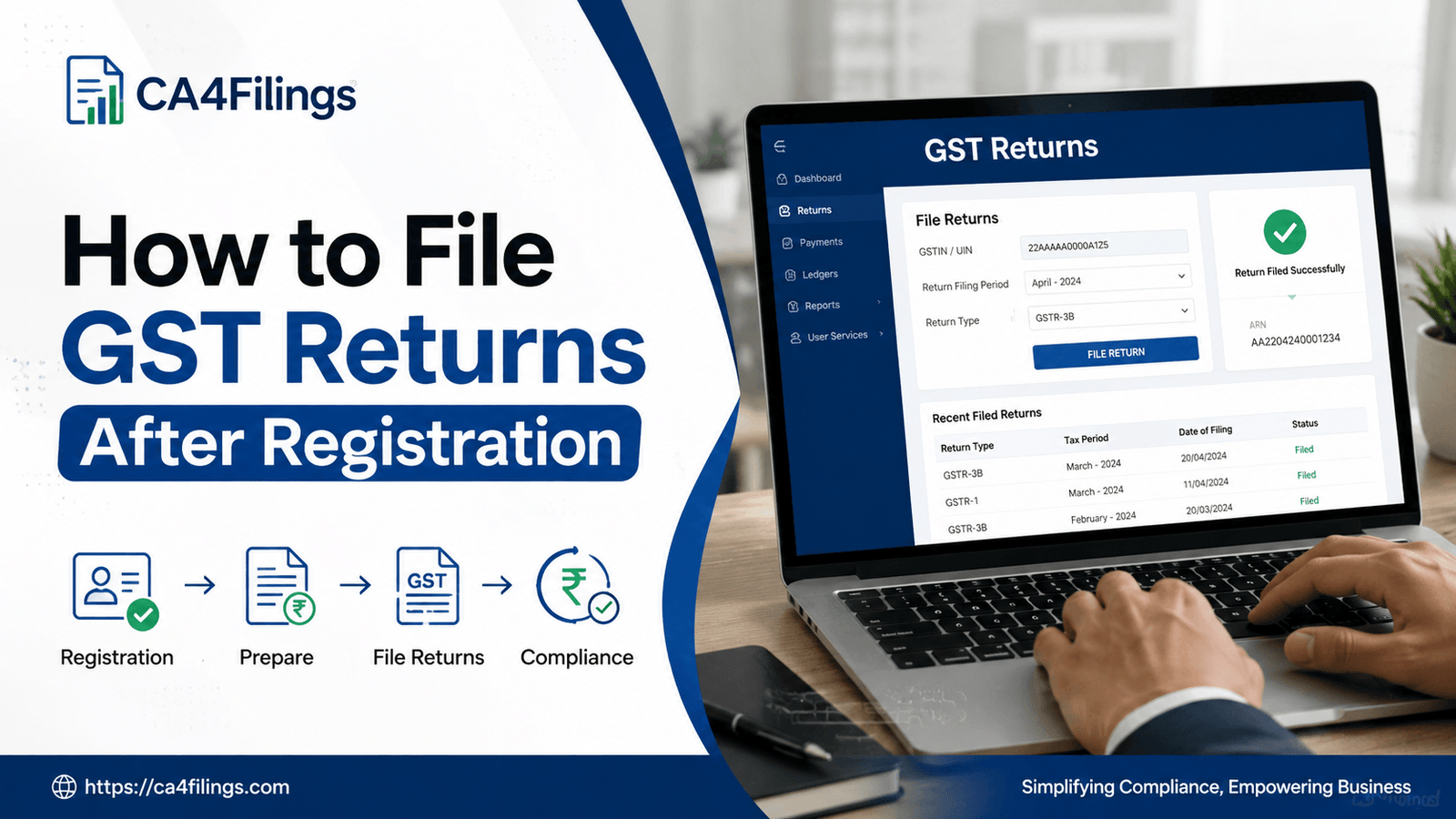
Congratulations on securing your new Goods and Services Tax (GST) identification number! Getting your registration certificate is a massive milestone for any growing business in India. It builds trust, opens up inter-state trade, and integrates you into the formal economy. However, with great registration comes great compliance. The most frequent question we receive from new entrepreneurs at CA4Filings is: "What do we do now that the certificate is downloaded" The immediate next step is understanding how to file GST returns after registration to keep your business fully compliant and penalty-free from day one.
When you complete your initial GST Registration, the compliance clock starts ticking immediately. Even if your business hasn’t generated a single rupee in sales yet, you cannot simply sit back. The law mandates that regular taxpayers submit periodic compliance forms to the government. If you are wondering how to file GST returns after registration without breaking a sweat, this comprehensive guide will break down the entire process, tax forms, deadlines, and practical pitfalls you must avoid.
Decoding the GST Return Ecosystem for New Businesses
Before jumping into the online portal, let's understand what a GST return actually is. Think of it as an official self-declaration file where you tell the tax department about your sales (outward supplies), purchases (inward supplies), the tax collected from customers, and the tax paid to suppliers.
For a regular taxpayer, the post-registration landscape primarily revolves around two critical monthly or quarterly forms:
GSTR-1: This form captures the details of your outward supplies (sales invoices). It determines the tax credit your B2B customers can claim.
GSTR-3B: This is a summary return where you declare your total tax liability, claim Input Tax Credit (ITC), and pay the net tax due to the government.
How to File GST Returns After Registration: Step-by-Step Process
Filing your first return might feel intimidating, but breaking it down into a systematic checklist makes it remarkably straightforward. Here is the exact roadmap we follow at CA4Filings to ensure error-free submissions.
Step 1: Accumulate and Organize Your Invoices
Your data is only as good as your record-keeping. Gather all sales and purchase invoices for the tax period. Ensure your sales invoices contain correct GSTINs of your buyers (if they are registered) so they can claim their rightful credit. Similarly, check that your suppliers have correctly uploaded your GSTIN on their sales side.
Step 2: Log In to the Official GST Portal
Navigate to the government's official GST portal. Click on the 'Login' button at the top right corner. Enter the provisional username and password provided to you during registration. If it is your first login, the portal will prompt you to create a new, secure password and username.
Step 3: Navigate to the Returns Dashboard
Once logged in, go to Services > Returns > Returns Dashboard. Select the specific Financial Year and the Return Filing Period (Month/Quarter) you need to file for, then click 'Search'.
Step 4: Fill and File GSTR-1 (Statement of Outward Supplies)
Select GSTR-1. If you have B2B sales, add details invoice-by-invoice in the respective tiles (Table 4A, 4B, 4C, 6B, 6C). For retail sales (B2C), summary figures are usually sufficient. Once all data is entered:
Click on 'Generate Summary'.
Review the draft layout carefully.
Preview the document to double-check tax rates and amounts.
File using either an Electronic Verification Code (EVC) sent to your registered mobile number or a Digital Signature Certificate (DSC).
Step 5: Reconcile and File GSTR-3B (Monthly Summary & Payment)
After GSTR-1 is filed, go back to the dashboard and open GSTR-3B. The system now helpfully auto-populates your liabilities from your GSTR-1 and your eligible Input Tax Credit (ITC) from GSTR-2B (generated by your suppliers' filings).
Reconcile: Verify the auto-populated ITC against your actual purchase bills.
Offset Liability: If your tax on sales is greater than your purchase tax credit, pay the balance by generating a net banking challan.
Final Submission: Authorize and file the return using EVC or DSC.
What is a Nil GST Return and Why is It Mandatory?
A major trap where many new business owners trip up is assuming that no business activity means no compliance requirement. Let's make this crystal clear: even if your monthly turnover is zero, filing is mandatory.
If you have no sales, no purchases, and no tax liability for a particular month, you must file what is known as a Nil Return. The government has made this exceptionally easy. You can file a Nil GSTR-1 and GSTR-3B within minutes directly through the portal or via a simple SMS from your registered mobile number. Failing to file a Nil return attracts daily late fees, which accumulate silently until they become a massive headache.
Essential Timelines and Penalties Every Owner Must Know
Missing deadlines is the easiest way to drain your business capital into government penalties. Memorize or bookmark these standard dates for regular monthly taxpayers:
GSTR-1 Due Date: 11th of the succeeding month.
GSTR-3B Due Date: 20th of the succeeding month.
What happens if you miss the deadline?
If you miss these dates, a late fee is levied for every single day of delay. For a regular active return, the late fee is ₹50 per day (₹25 CGST + ₹25 SGST), capped at a maximum limit per return. For a Nil return, the late fee is reduced to ₹20 per day. Additionally, an interest rate of 18% per annum is applicable on net tax liabilities paid after the due date.
Common Mistakes to Avoid After Getting Registered
As professional CAs, we routinely clean up bookkeeping errors made by excited new founders. Avoid these three common slip-ups:
Claiming Ineligible ITC: You cannot claim Input Tax Credit on personal expenses, food/beverages, or club memberships. Only claim credit for expenses directly linked to the furtherance of your business.
Delaying the First Return: Your first return must include all sales and purchases made from the actual date your liability arose (often the date you applied for registration) up to the end of the registration month.
Ignoring GSTR-2B: Never blindly accept the auto-populated ITC numbers in GSTR-3B without checking if your suppliers have actually uploaded your bills.
Frequently Asked Questions (FAQs)
Q1. Can I change my filing frequency from monthly to quarterly?
Yes. Small taxpayers with an aggregate annual turnover up to ₹5 crores can opt for the QRMP (Quarterly Return Monthly Payment) scheme. This allows you to file GSTR-1 and GSTR-3B once every quarter while paying tax liability monthly via a simple challan.
Q2. Do I need a Digital Signature Certificate (DSC) to file returns?
For companies (Pvt Ltd, Public Ltd) and LLPs, a DSC is legally mandatory. However, for sole proprietorships and partnership firms, filing can be easily authenticated using a mobile-OTP based EVC system.
Q3. What should I do if I made a mistake in a filed GST return?
GST returns cannot be revised once submitted. However, do not panic. Any omissions or errors made in a particular month can be amended and corrected in the return of the subsequent tax period.
Q4. Is bank account linking necessary before filing returns?
Yes, you must add your active business bank account details to the GST portal within 30 days of getting your registration certificate or before filing your very first return, whichever is earlier.
Let CA4Filings Take the Compliance Burden Off Your Shoulders
Learning how to file GST returns after registration is highly empowering, but managing monthly reconciliation, checking block credits, and tracking changing notifications can quickly drain time away from growing your actual business.
At CA4Filings, we act as your virtual tax department. Our team of expert Chartered Accountants handles your end-to-end tax compliance—from data verification and ITC reconciliation to error-free return filings. Let us handle the tax math while you focus entirely on scaling your venture. Reach out to CA4Filings today, and let’s set up your compliance journey on the right track!
Latest Updates
ca4filings.com Services
























-registration.png)